01 / READY LOOK
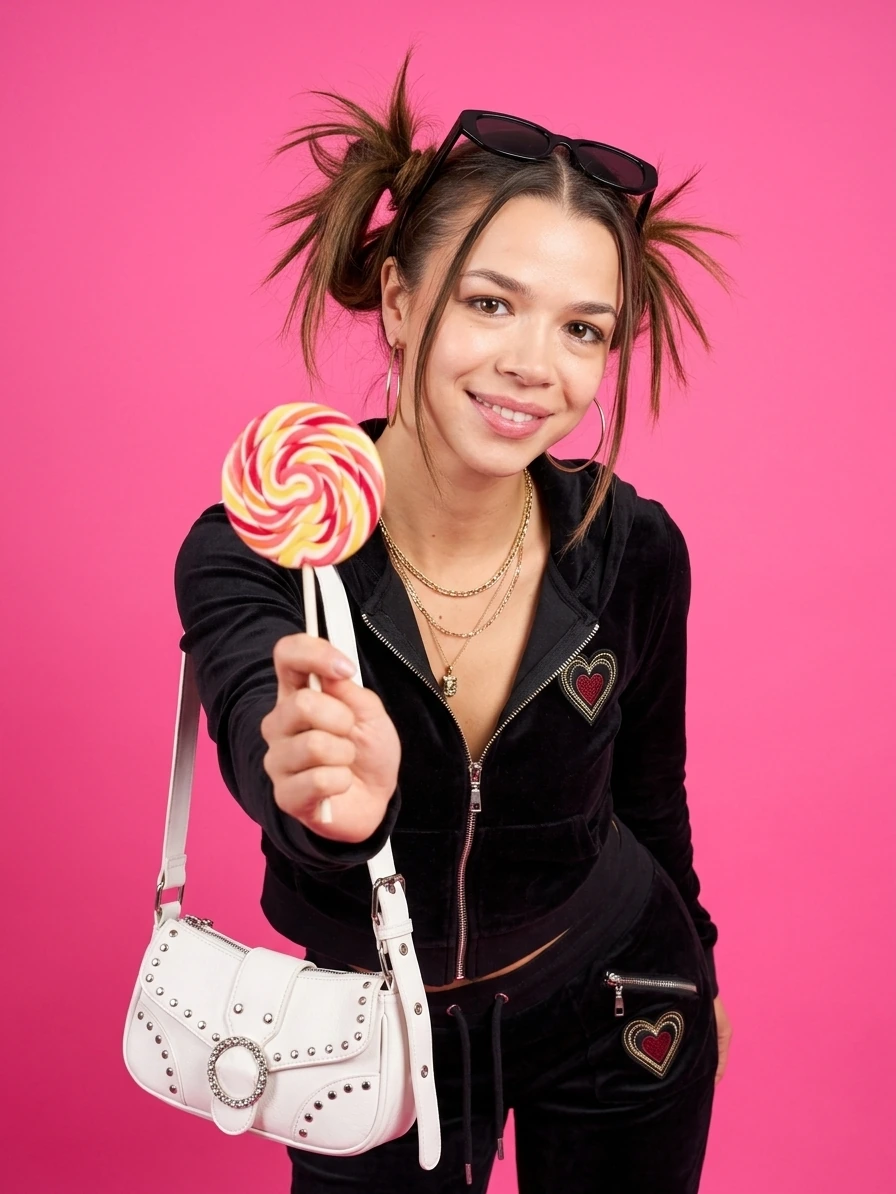
A ready scene. A new frame.
Choose a solo, couple or family look, add photos as prompted in the app and create your version of the frame.
Explore AI photoshootsCouple and family looks turn your photos into shared stories. Pick a scene, add your pictures and keep a new frame together.
On the App Store · in-app purchases
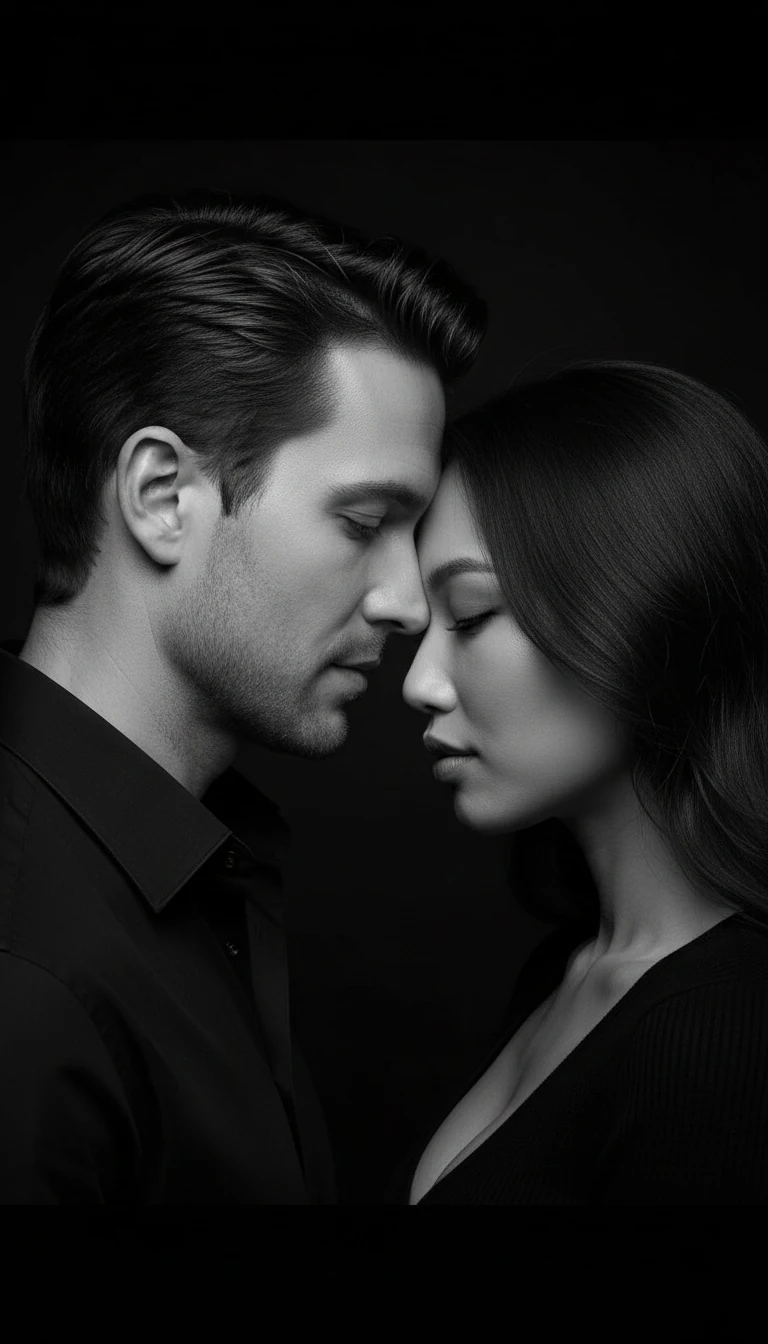
Ready-made scenes for the two of you.
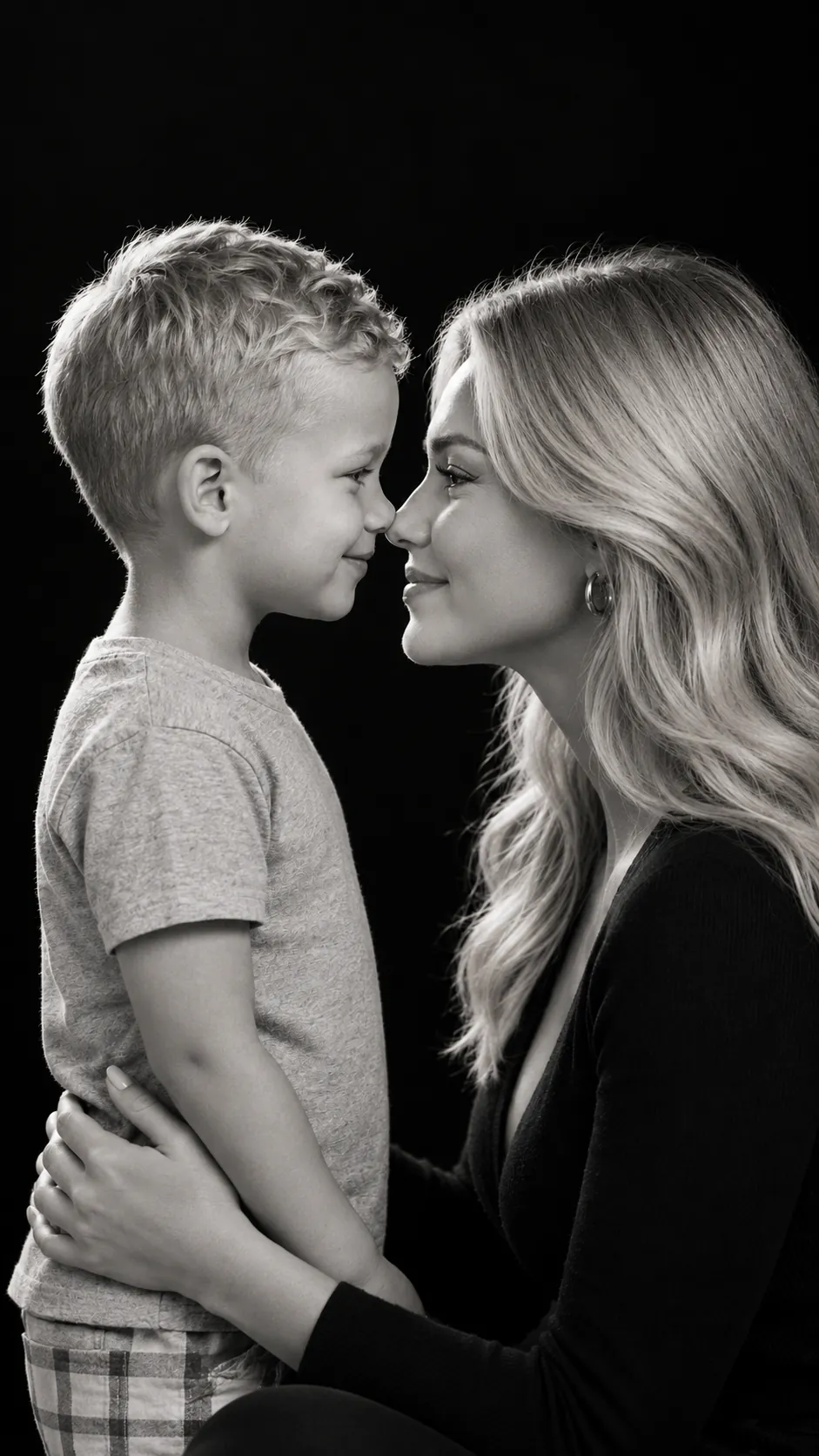
Shared stories with the people close to you.
Ready video looks and your own ideas in motion.
TOGETHER IN FRAME / 01
Lumpix has looks for couples and families. Choose a mood, add photos as prompted in the app and make a new portrait together.
01 / TWO OF YOUA quiet portrait or a bold scene for two. Find a story that feels like yours.
Explore couple looks02 / YOUR PEOPLEBring the people closest to you into one scene and give the moment a new visual style.
Explore family looksCreative look illustrations. Results depend on your source photos and the mode you choose.
THE LOOKBOOK / 02
Solo portraits are part of the story, too. Camera flashes today; a cover shoot, retro set or unexpected color tomorrow.
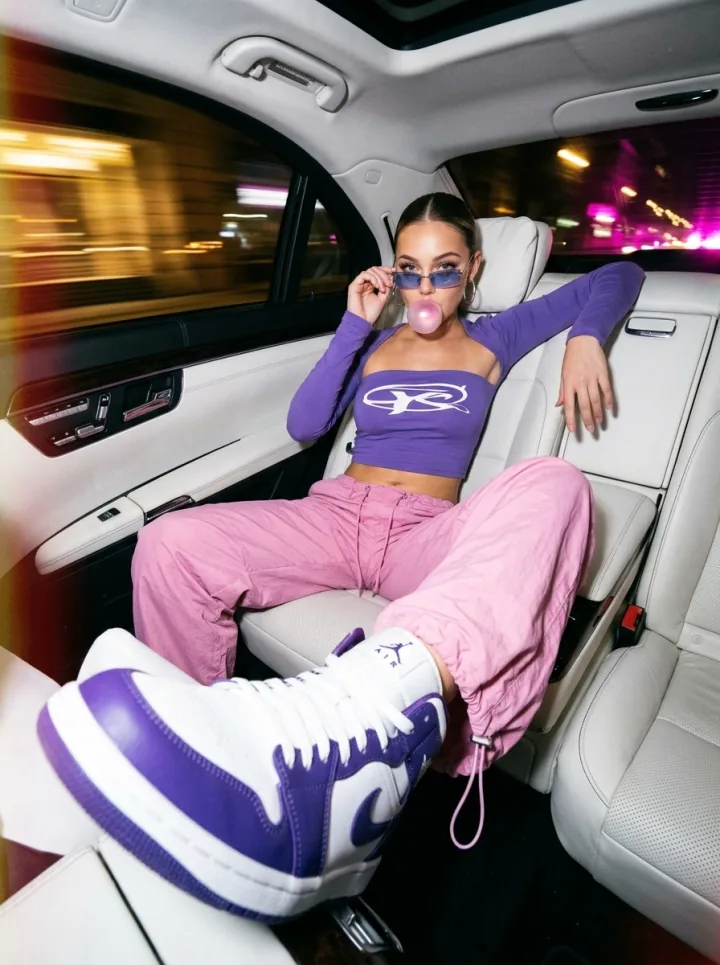
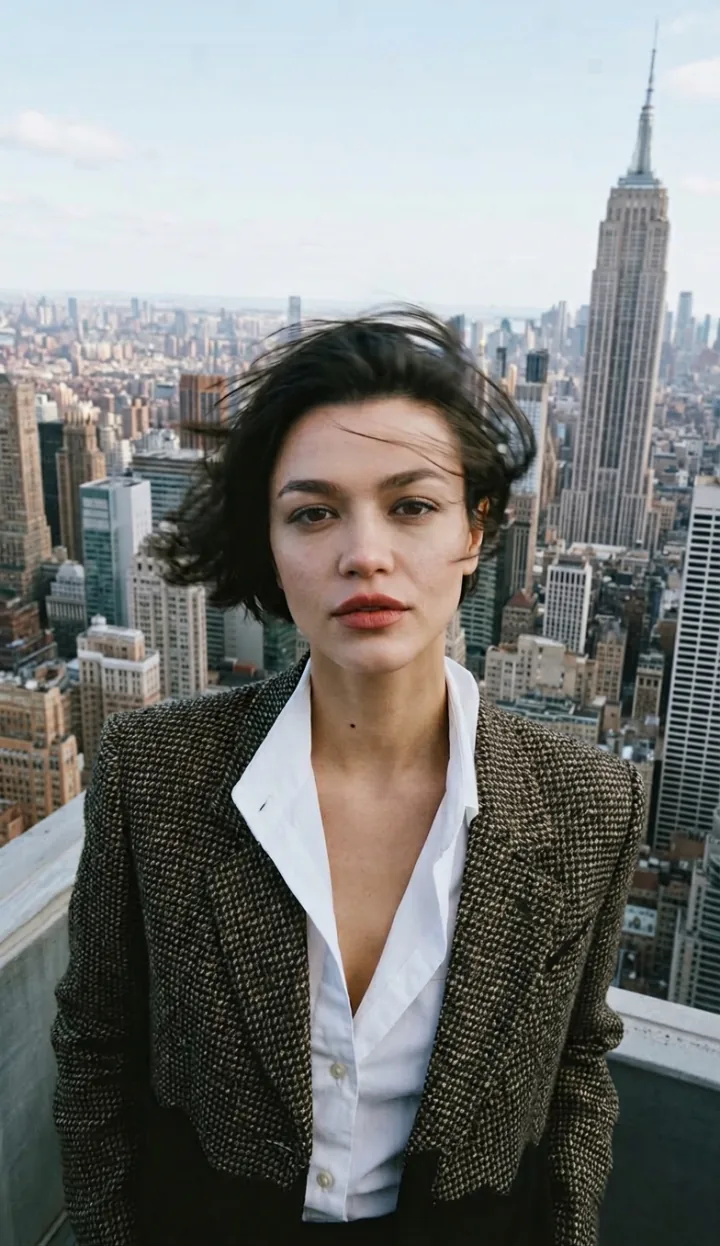
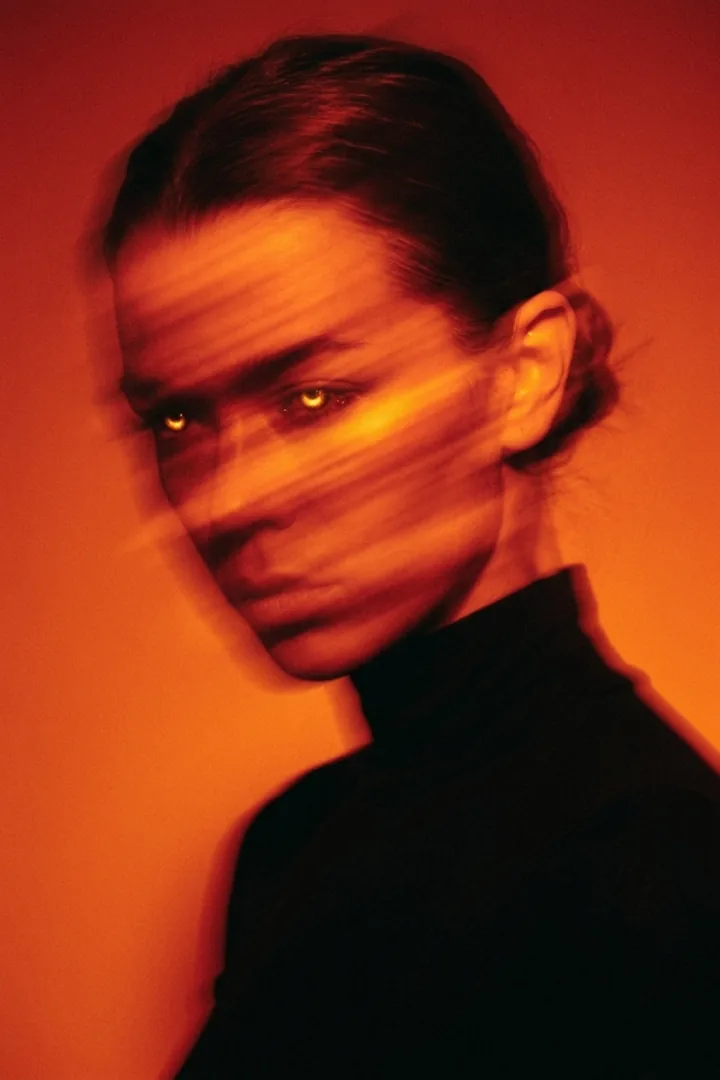
Creative look illustrations. Results depend on your source photos and the mode you choose.
PICK YOUR WAY / 03
Start with a ready-made solo, couple or family look. Or create a personal avatar for more portraits of yourself.
Choose a solo, couple or family look, add photos as prompted in the app and create your version of the frame.
Explore AI photoshoots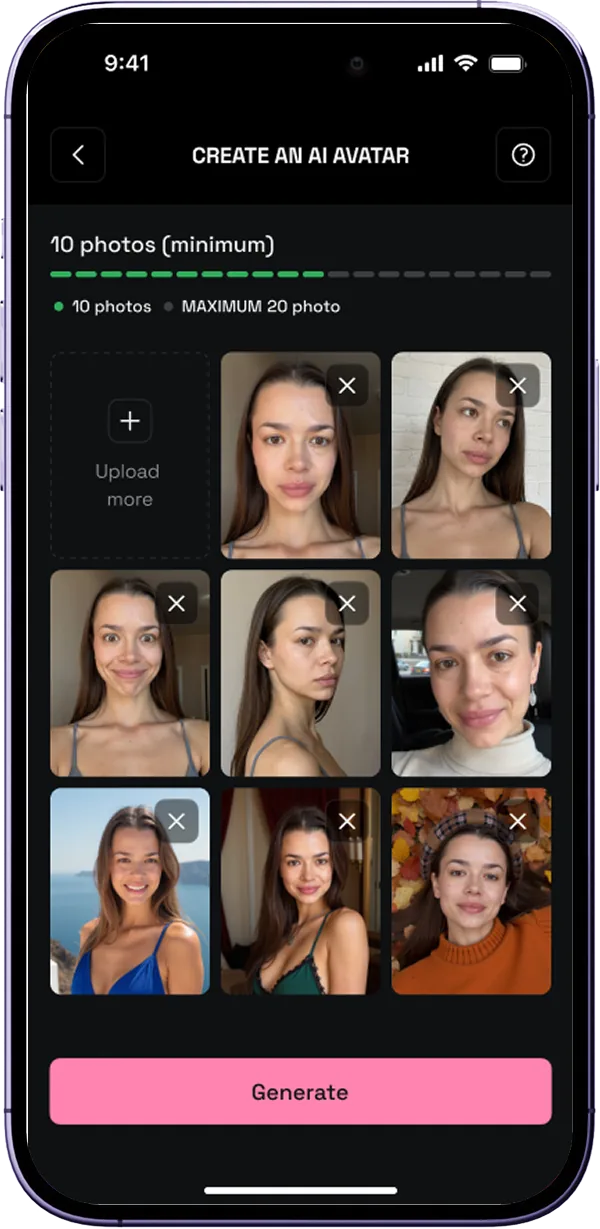
Upload 10 to 20 photos to train your personal AI avatar. Then use it to explore new looks.
Explore AI avatarsTHE PROCESS / 04
It all starts in the app: a ready-made scene, your photos and the curiosity to see a familiar story in a new way.
Explore the looks and choose one you want to try.
Follow the prompts for your chosen look. A personal avatar needs 10 to 20 solo photos.
See your result, save it to your gallery or share it.
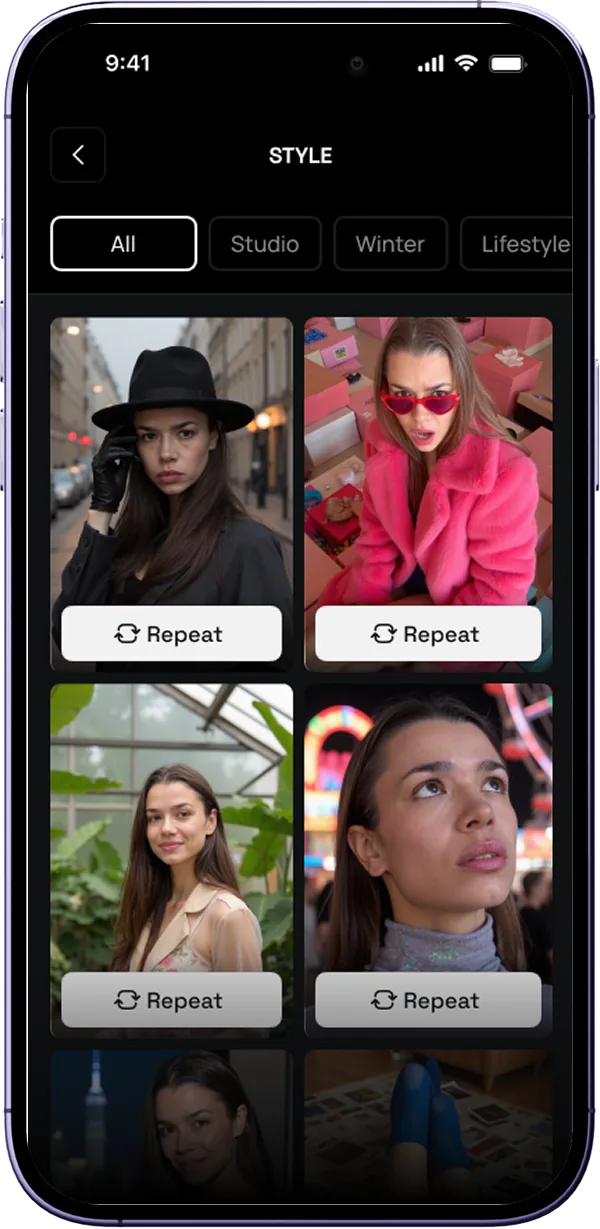
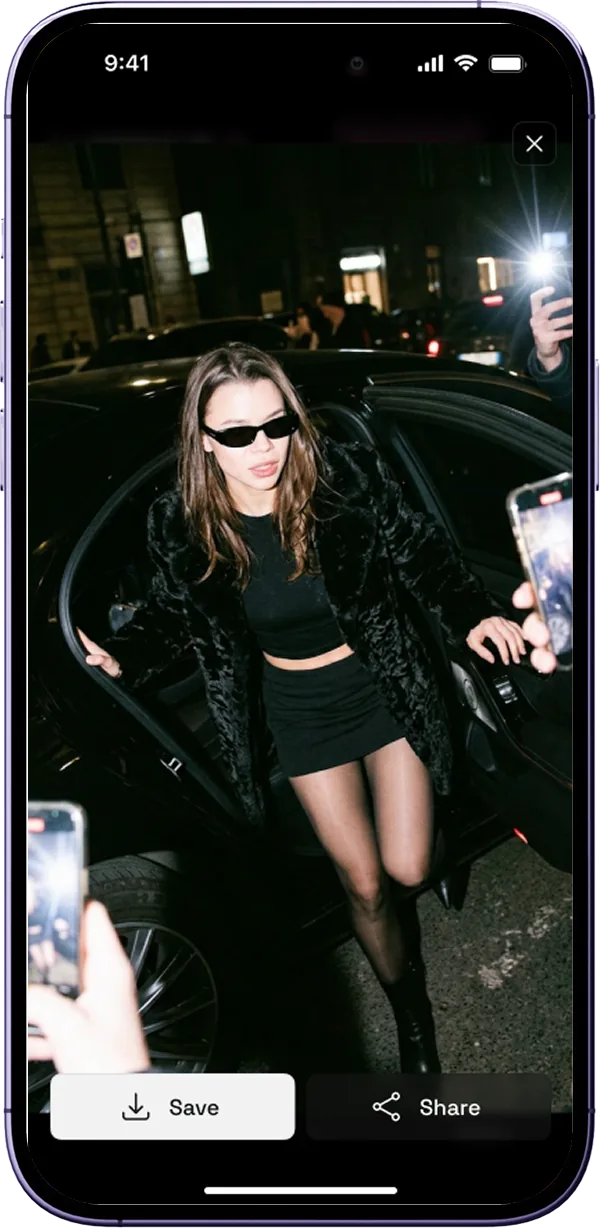
Illustrative app screens; the current interface may differ.
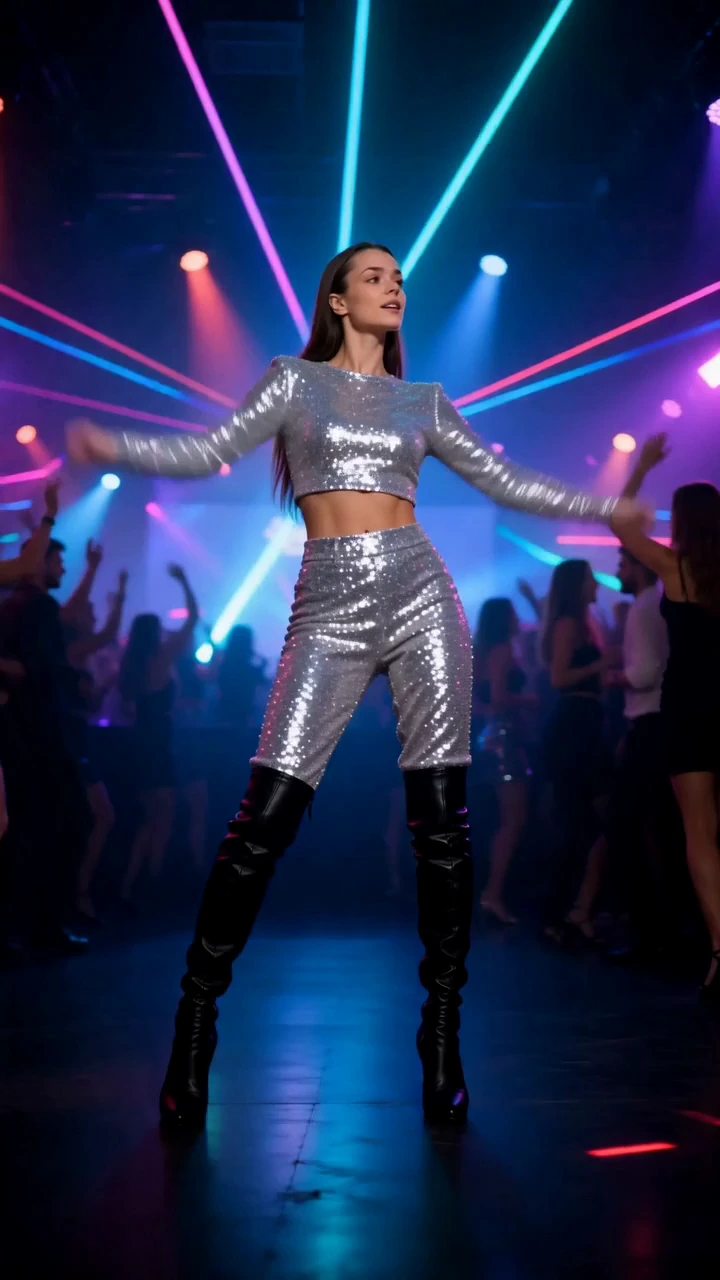 VIDEO LOOK / PREVIEW FRAME
MORE THAN A PHOTO / 05
Discover new looks, create a personal avatar and try trending AI videos. Your story can keep moving after the first frame.
Pick a ready video look—dance, cinema or fashion—and add a photo or trained avatar as prompted. For your own idea, describe the motion in a photo-to-video mode.
Explore video looksGOOD TO KNOW / 06
Yes. The catalog has dedicated categories for couples and families. Choose a scene and follow the app prompts when adding photos.
Yes. For a solo quick look, choose a style and add one picture. For couple and family scenes, follow the prompts for the look you choose.
At least 10 and at most 20 photos from different angles. Clear solo photos help prepare the avatar; avoid group shots and heavily edited images.
Yes. The catalog includes ready video looks such as dance, fashion and cinematic scenes. Add a photo or trained avatar according to the look you choose.
Yes. You can save generated photos and videos to your device. Photos can also be shared from the app.
Lumpix is available to download on the App Store. It offers in-app purchases; current prices are shown before you confirm a purchase.
YOUR NEXT LOOK IS WAITING
A couple portrait, a family story or a new look just for you — start with a scene in Lumpix.
Get it for iPhone