Pick a couple look
Open the category for two and find a ready-made scene you want to try together.
LUMPIX / COUPLE LOOKS
A story starring the two of you. Choose a couple look, add your photos and make a new portrait together in the iPhone app.
THE STORY
The Lumpix AI couple photo generator starts with a ready-made scene for two. Couple looks have their own category in the app: choose a mood, add pictures as prompted by the look and create a portrait together. You do not need to train a personal AI avatar first. Results depend on source photos and generation settings.
THE LOOKBOOK
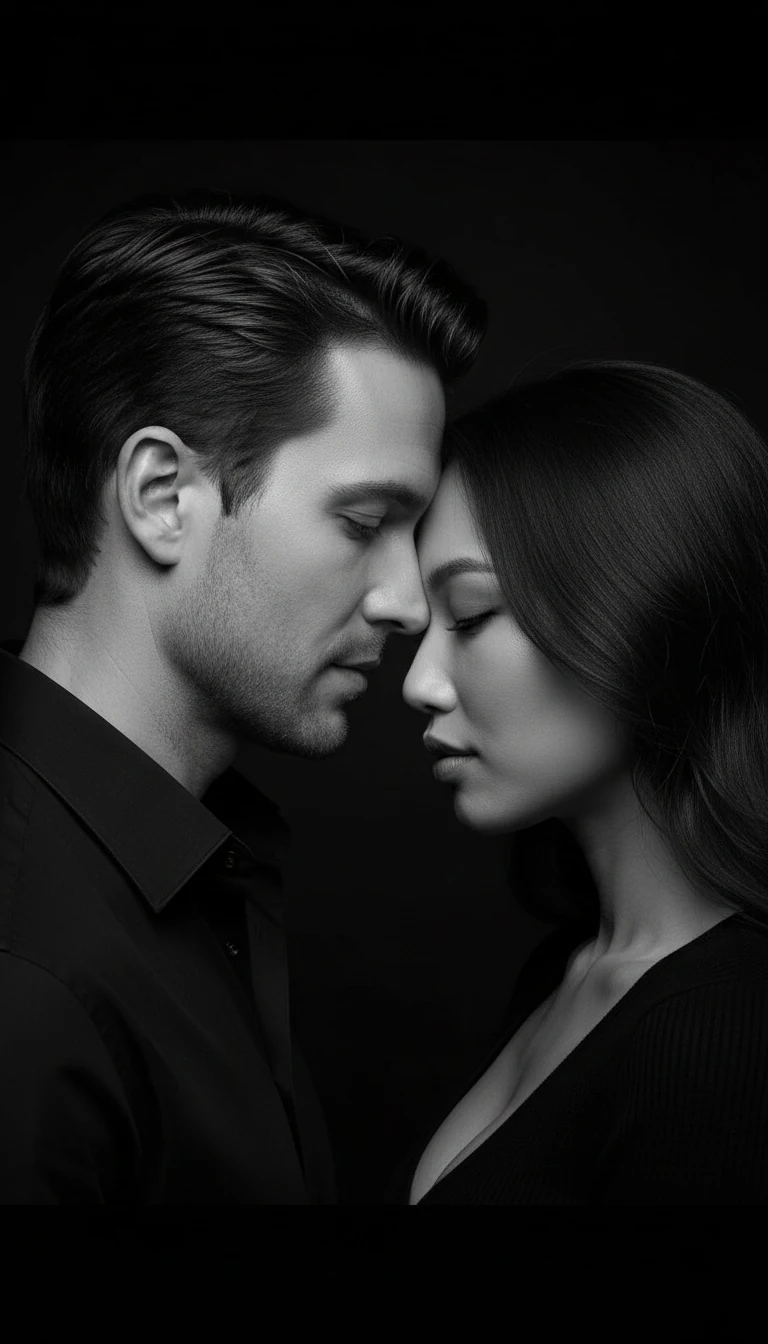
Real previews from the active Lumpix couple catalog: a quiet black-and-white portrait and a warm sunset scene.
Get it for iPhone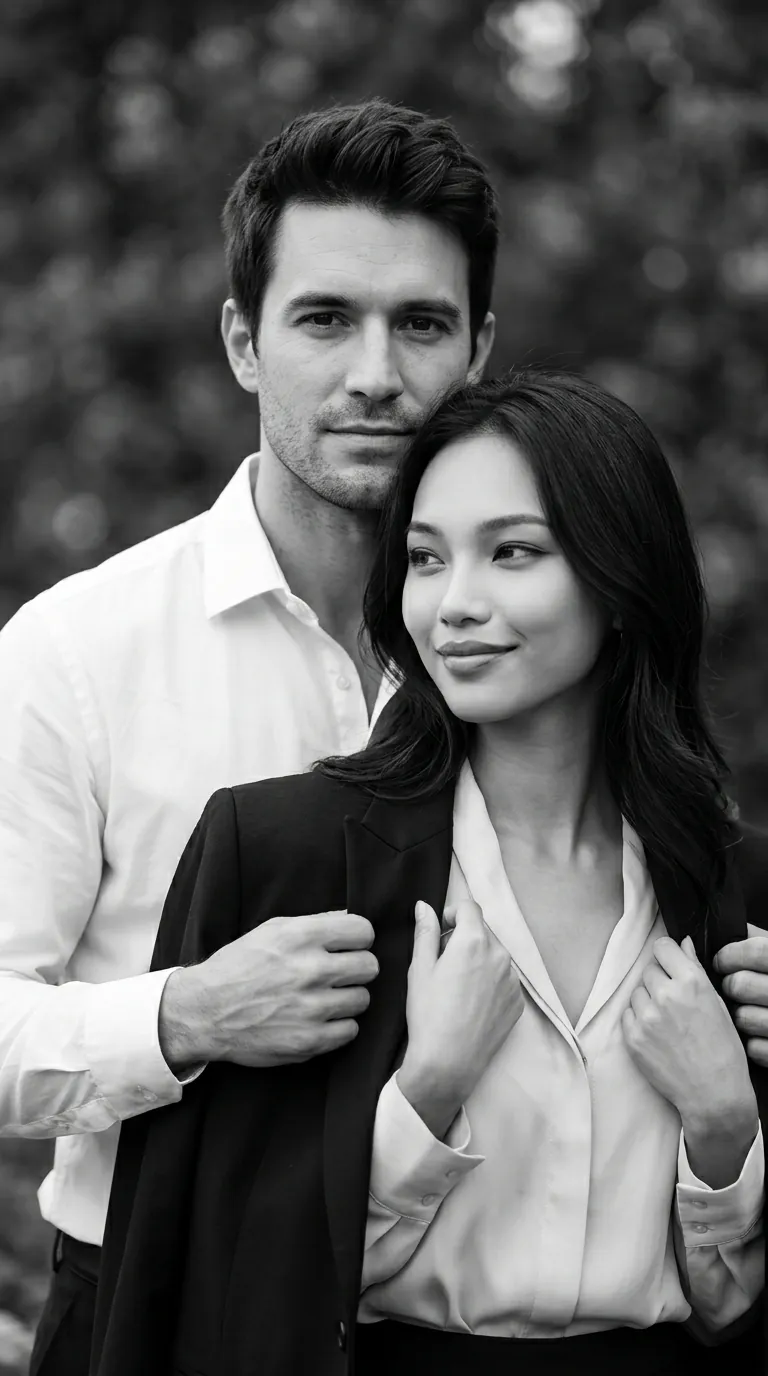

Creative look illustrations. Results depend on your source photos and the mode you choose.
02 / 03
Open the category for two and find a ready-made scene you want to try together.
Follow the prompts for the look you chose. The app guides you through adding pictures.
See the finished portrait, save it to your device or share it.
A BETTER START
You can start with a scene in the catalog instead of arranging a studio or location. The look you choose will tell you which source photos to add.
Browse couple scenes and pick a visual style that feels right for the two of you.
Use clear pictures with visible faces and limited heavy filtering. Light and image quality affect the final portrait.
Photo requirements vary between scenes. Add the pictures requested by your chosen look in the app.
03 / 03
A couple portrait can become a new picture of you together, part of your story on social media, or a way to see yourselves in another scene. Browse different looks until you find one that fits. For a frame with more of your people, explore family looks.
FAQ
No. Couple looks are available in the ready-made look catalog. Add photos as prompted by your chosen scene.
Source photo requirements vary by look. Follow the prompts for your chosen scene when adding pictures.
YOUR NEXT LOOK IS WAITING
Open Lumpix on iPhone, choose a couple look and create a new portrait of the two of you.
Get it for iPhone