Choose a video look
Find a ready scene in the catalog or open a mode for your own idea.
LUMPIX / VIDEO TRENDS
Try a ready video look or bring your own idea to life. Add a photo or trained AI avatar and create a new clip in Lumpix for iPhone.
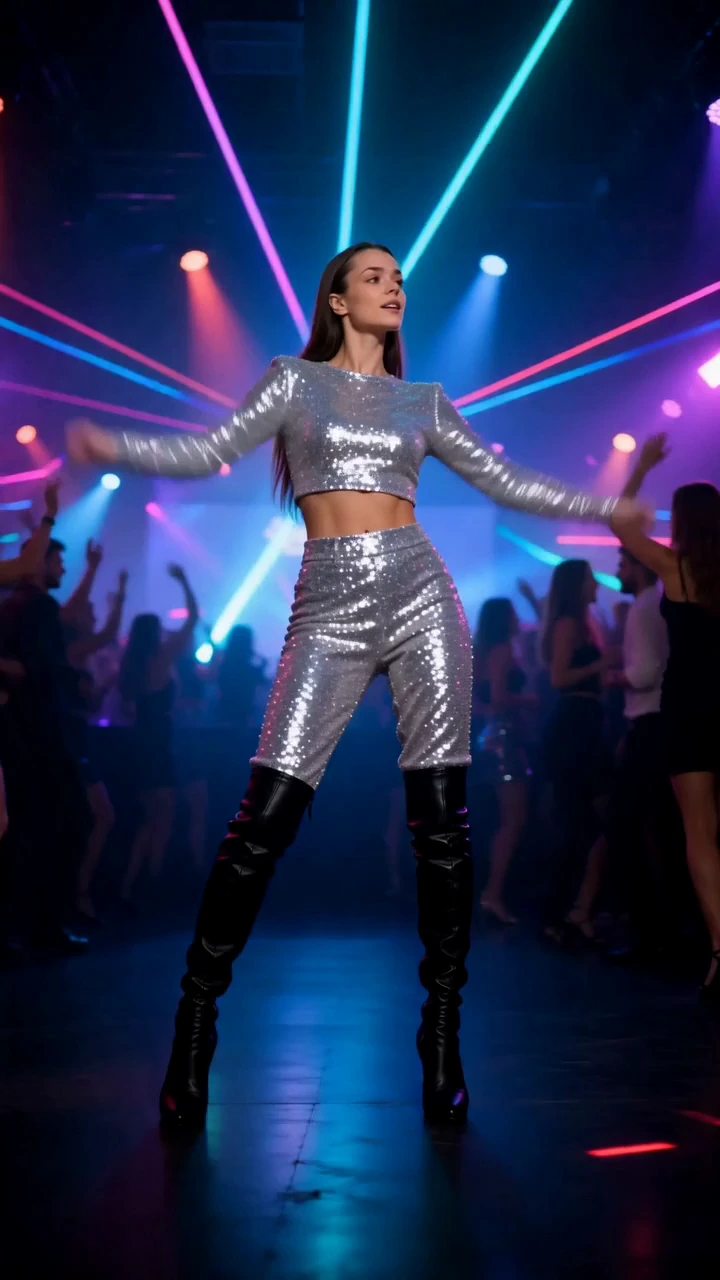
THE STORY
To create an AI video trend from your photo, choose a ready video look in the Lumpix catalog and add a picture or trained avatar as prompted. Want your own scene? Open a photo-to-video mode and describe the action and camera movement. Available controls depend on the model; current options appear in the app.
VIDEO LOOKS
Explore ready video looks with different moods. These active catalog examples show a fashion scene and a cinematic setting.
Get it for iPhone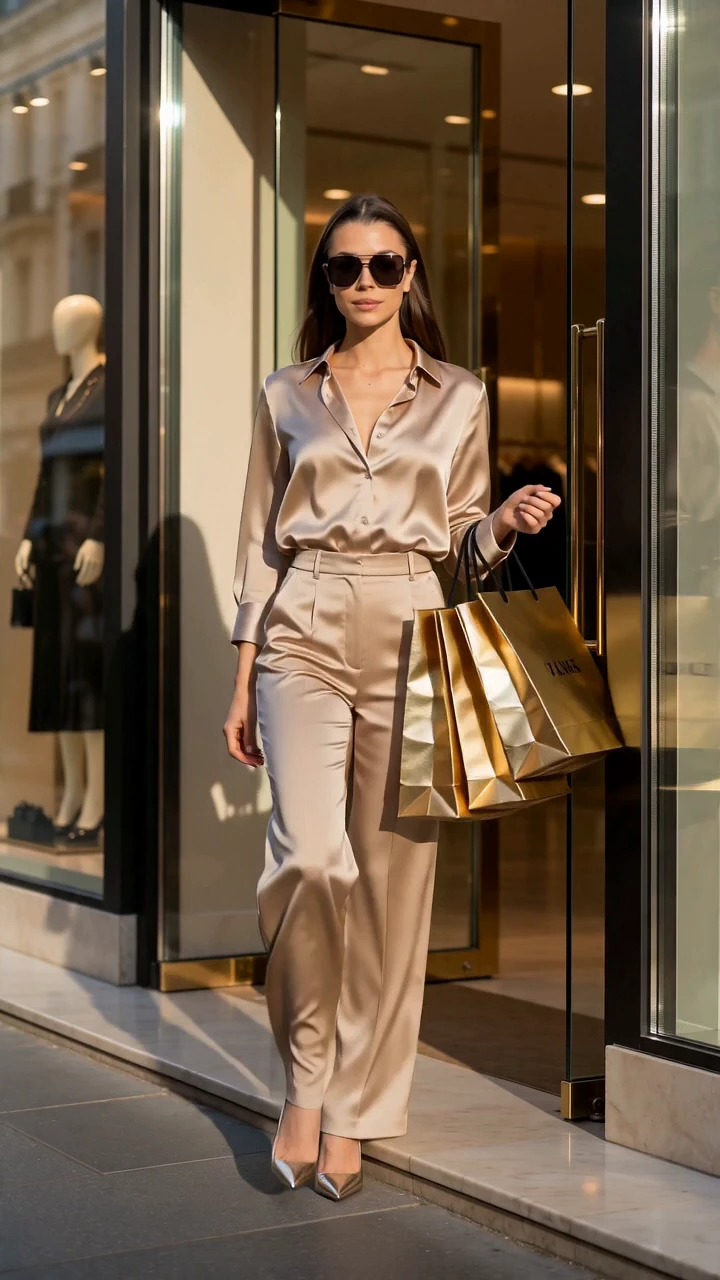
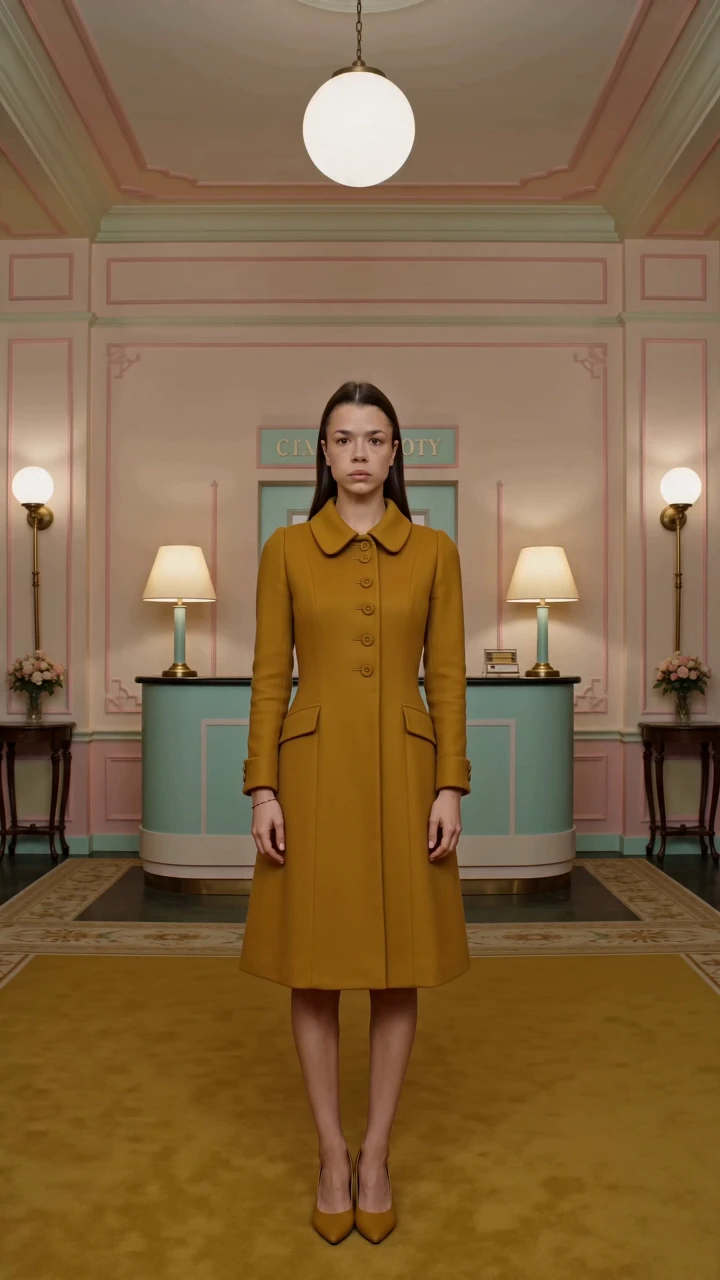
These are still preview frames of catalog video looks. The generated clip depends on your source material and chosen mode.
02 / 03
Find a ready scene in the catalog or open a mode for your own idea.
Follow the look requirements. In a freeform mode, describe the action and camera movement.
See the generated clip and save the AI video you like to your iPhone.
A BETTER START
Video looks make it easy to choose a mood. Photo-to-video modes let you describe the action yourself.
Browse previews for dance, cinema, fashion and other scenes. Pick the one you want to try.
Add a source frame and briefly describe the motion in a freeform mode. Controls vary by model.
Choose a sharp photo with a visible face and follow the prompts for the specific video look.
03 / 03
Trending AI video looks let you step into a ready-made scene. In a freeform mode, you can describe a head turn, smile or camera movement. The result depends on your source picture, model and settings. For a still portrait, explore AI photoshoots and ready-made photo looks.
FAQ
Yes. Choose a ready video look and add a photo or trained AI avatar according to its prompts.
Not always. Some video looks can use a regular photo; others support a trained personal avatar.
Follow the prompts for a ready video look. In a freeform photo-to-video mode, you can describe the action and camera movement.
Yes. You can save a generated video to your iPhone photo library.
YOUR NEXT LOOK IS WAITING
Open Lumpix on iPhone, choose a video look and create your version of the scene.
Get it for iPhone